Take an exam from Canvas
Start a Hawkeye exam from your Canvas assignment, use the access code, and finish the Canvas quiz.
Some exams start from an assignment in Canvas. You do not need a Hawkeye account or a password. Canvas signs you in to Hawkeye.
An email about a Canvas exam links to the Canvas assignment. It does not have a join code. Always start a Canvas exam from the assignment.
Start the exam
Open the Hawkeye assignment in Canvas
Hawkeye shows “Start your proctored exam” with your name and course.
Press Open Hawkeye
Hawkeye opens in its own window, so it can use your camera, microphone and screen. The button works one time, for two minutes.
Do the pre-check
It is the same as for any Hawkeye exam. Read The pre-check, step by step.
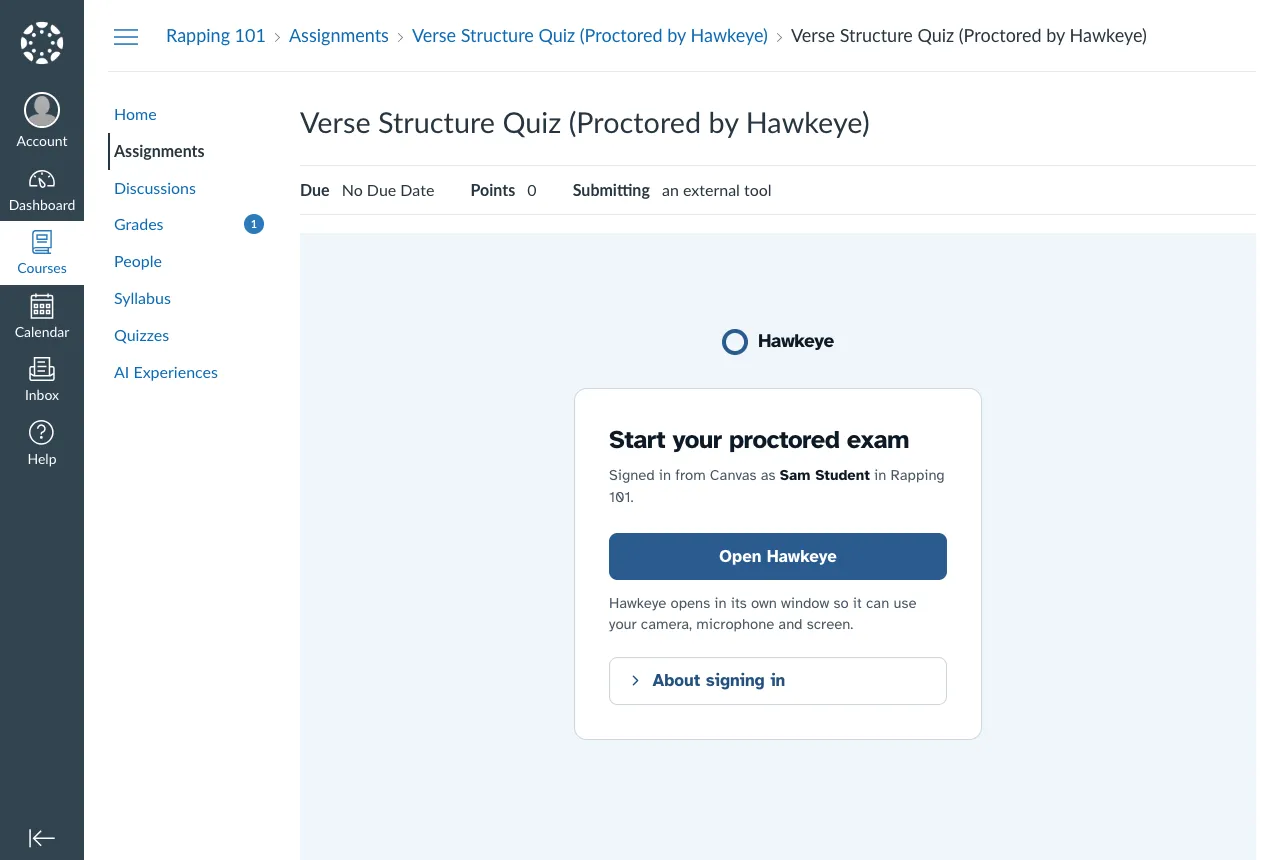
If you see “Open Hawkeye in a New Window”, press that button. Your browser blocks Hawkeye inside Canvas, so Hawkeye signs you in in its own window.
Take the quiz
After you press Start the Exam, Hawkeye shows the access code for the quiz.
Press Copy code
You can also write the code down.
Press Open the Exam
The Canvas quiz opens in its own window, at the full size of your screen. Your time starts now.
Enter the access code in Canvas
Canvas asks for the code. Paste it or type it.
Answer the quiz and submit it in Canvas
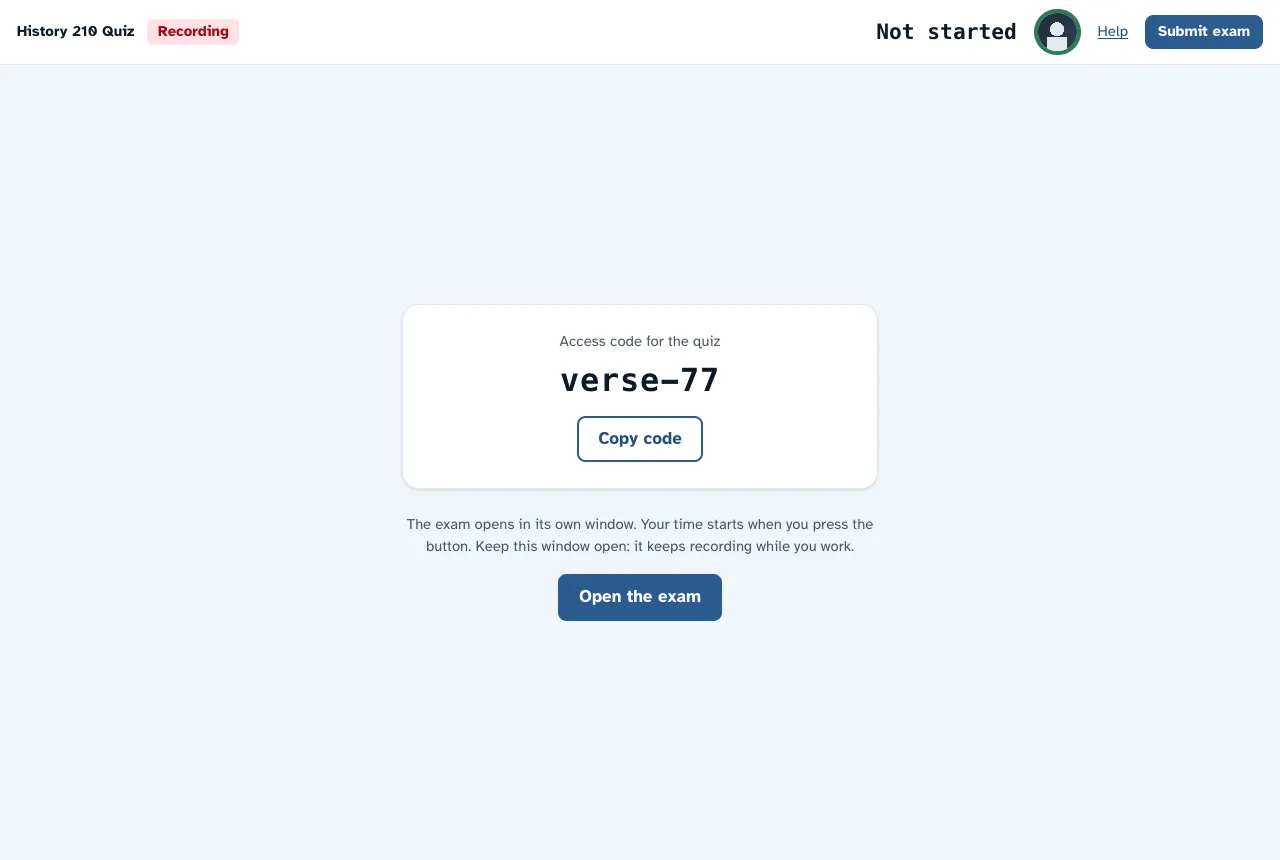
The access code shows only in Hawkeye, during your exam. It changes after the exam closes.
Keep the Hawkeye window open while you work. It records your webcam, microphone and screen. Hawkeye does not add a flag when you move between the Hawkeye window and the quiz window.
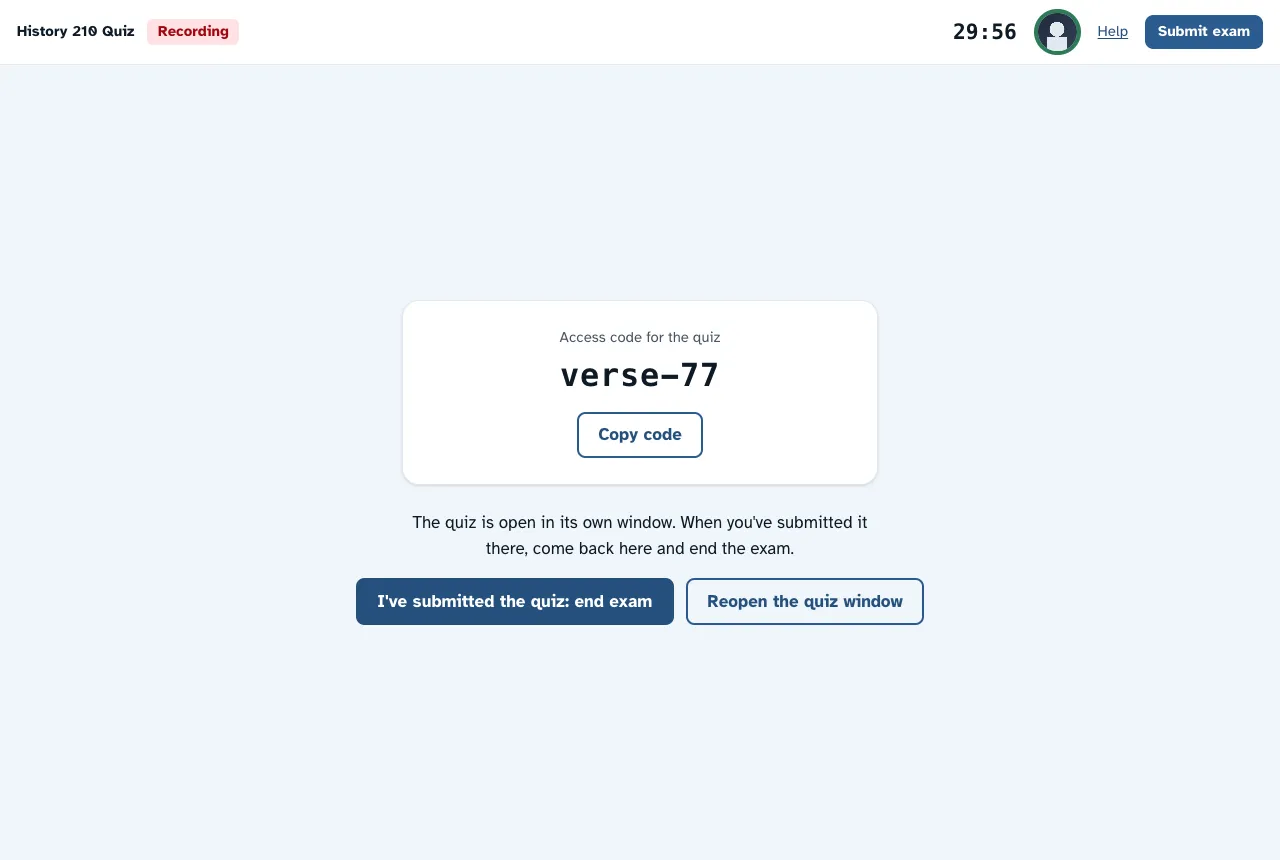
If you close the quiz window by mistake, press Reopen the Quiz Window. The timer does not start again.
The timer
The Hawkeye timer follows the time limit of the Canvas quiz. If Canvas gives you extra time, the Hawkeye timer includes it.
Finish
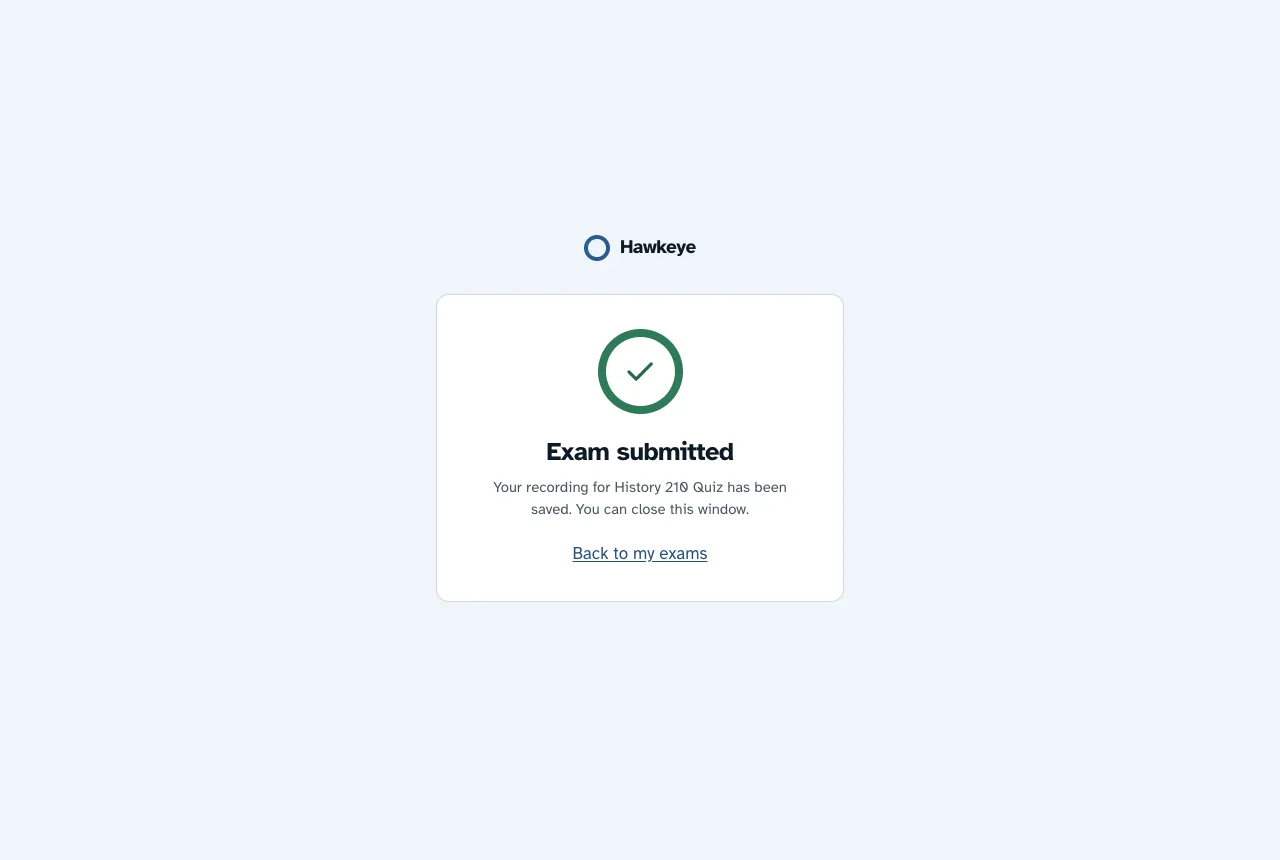
After you submit the quiz in Canvas, Hawkeye ends your session by itself within about 15 seconds. The Hawkeye window then shows “Exam submitted”.
When you come back to the Hawkeye window, it asks if you submitted the quiz. You can press I’ve Submitted the Quiz: End Exam to end it at once.
More than one attempt
Each Canvas quiz attempt gets its own Hawkeye session. If Canvas allows another attempt, open the assignment again. If you have no attempts left, Hawkeye says “No attempts left”. Ask your instructor if you need another attempt.
Come back later
To open Hawkeye again, open the assignment in Canvas again. Canvas exams that you started also show on My Exams in Hawkeye.
If something does not work, read Fix common problems.